How to hide private data on a screenshot so it cannot be recovered
Pixelating or blurring a password looks safe, but short text under a light blur can sometimes be guessed back. Below is what works, ordered by reliability, and what else on the screen gives you away.

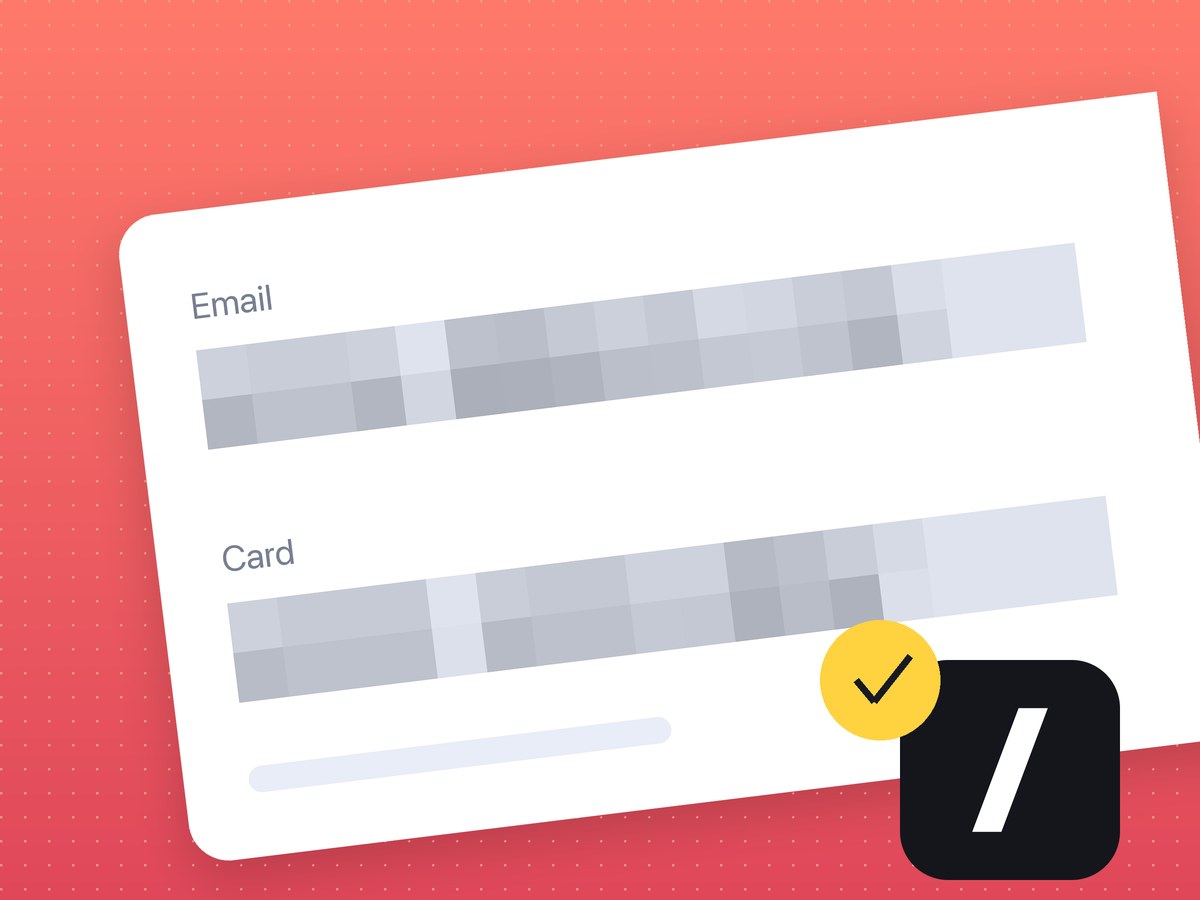
Before a screenshot goes into a chat or a ticket, people hide an email, a card number or an API key with blur or pixelation. Most of the time that is enough. For short, predictable text it sometimes is not.
Why pixelation and blur can fail
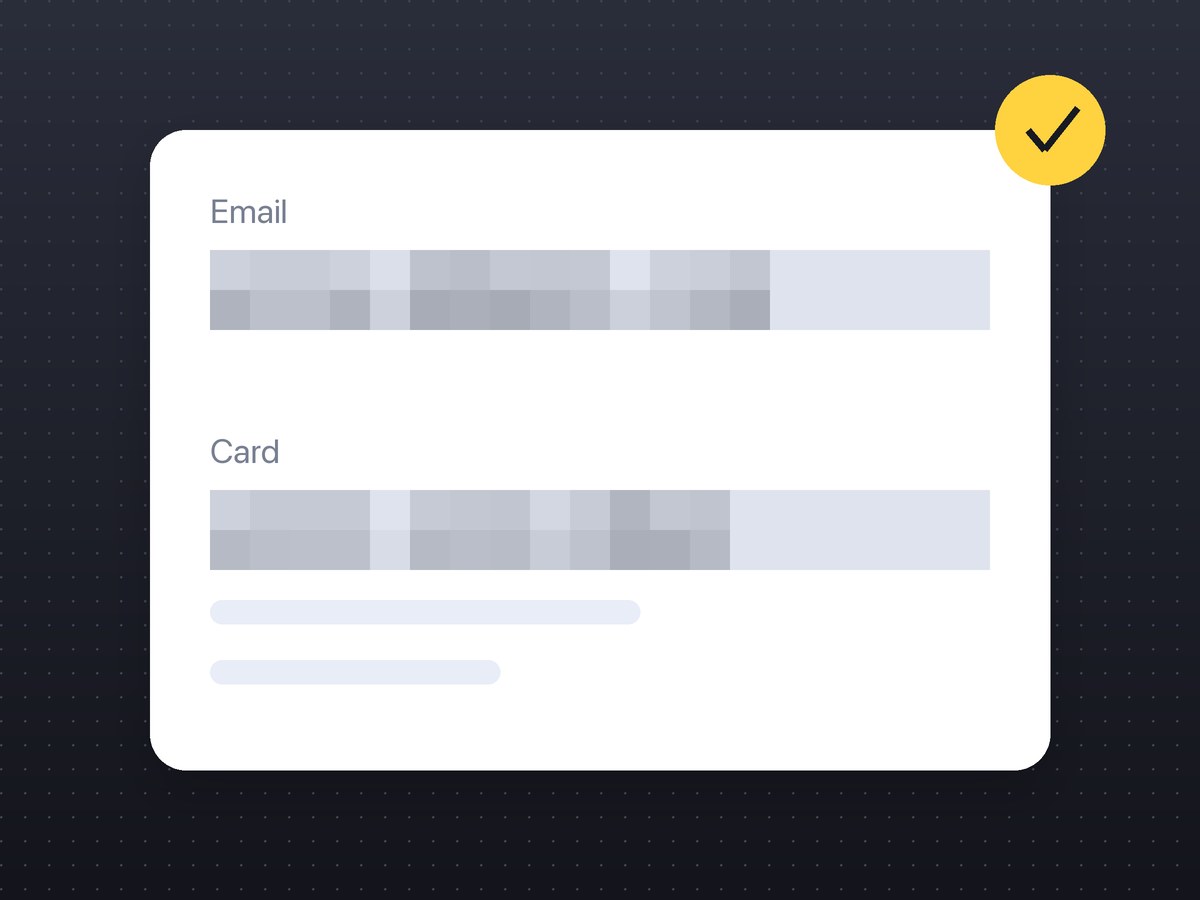
Pixelation replaces each block of pixels with its average colour. If the text is short and set in a known font, the average for each possible character is predictable, and tools such as Depix try candidates until the blocks match. A light blur is weaker still: it smears the letters but keeps much of their shape. So treat pixelation and blur as cover for faces and names, not for secrets.
The risky case is small blocks, a cover that hugs the text and leaves the edges of the letters, and a short string from a small alphabet, like the digits of a card number or a PIN.
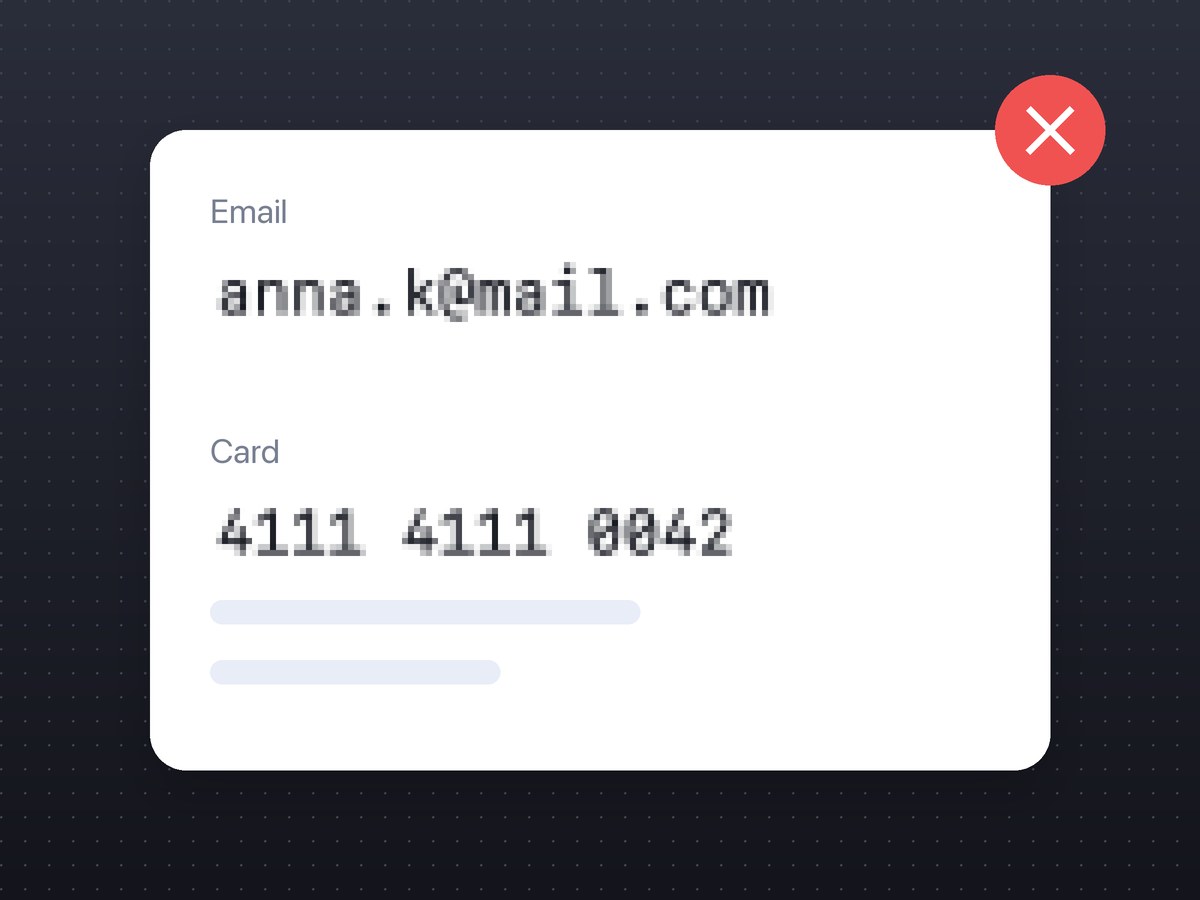
What works, from most to least reliable
- Do not capture it. Close the tab, scroll the secret off screen, select a smaller area. If it was never in the frame, there is nothing to recover.
- Crop it out. Cropped pixels are gone from the file.
- Cover it with a solid opaque box. A filled rectangle in any colour leaves nothing underneath. In a PDF a black box can be lifted off the text layer; in a PNG or JPEG screenshot it cannot.
- Pixelate with large blocks and a margin. Make the blocks as big as the letters or bigger and cover more than the text, so that its length and edges do not show.
- A light blur. Fine for faces and names in the background, not for passwords and card numbers.
What else on the screen gives you away
- tab titles and the bookmarks bar;
- a URL with a token or a session id in it;
- notifications that pop up at the moment of capture;
- other windows and a second monitor in a full-screen capture;
- a username in the corner of the app;
- a semi-transparent highlighter over a secret: it marks the text and does not hide it.
After you hide it
If the capture goes online, it also matters who can open the link and whether you can delete it later. That is covered on the screenshot safety page.
Our screenshot editor pixelates with blocks that grow with the thickness setting, and the saved file keeps only the blocks. It has no solid fill yet, so for a password the advice above stands: crop it out, or pixelate at a large thickness with a margin.
FAQ
Can a blurred password on a screenshot be recovered?
Sometimes, if the text is short, in a known font and the blur or pixelation is light. Crop it out or cover it with a solid box instead.
What is the safest way to hide text on a screenshot?
Not capturing it, then cropping it out, then a solid opaque box. Pixelation with large blocks is acceptable for less sensitive data.
Is a black box safe on a screenshot?
Yes, in an image a filled box leaves nothing underneath. In a PDF it may not: the text layer can still be there.