Why prnt.sc screenshots can be found by anyone, and how to share safely
A Lightshot upload gets a short address of a few characters. Short addresses can be tried one by one, so an uploaded screenshot stays private only while nobody hits its link. Here is what that means for your screenshots and what to do about it.

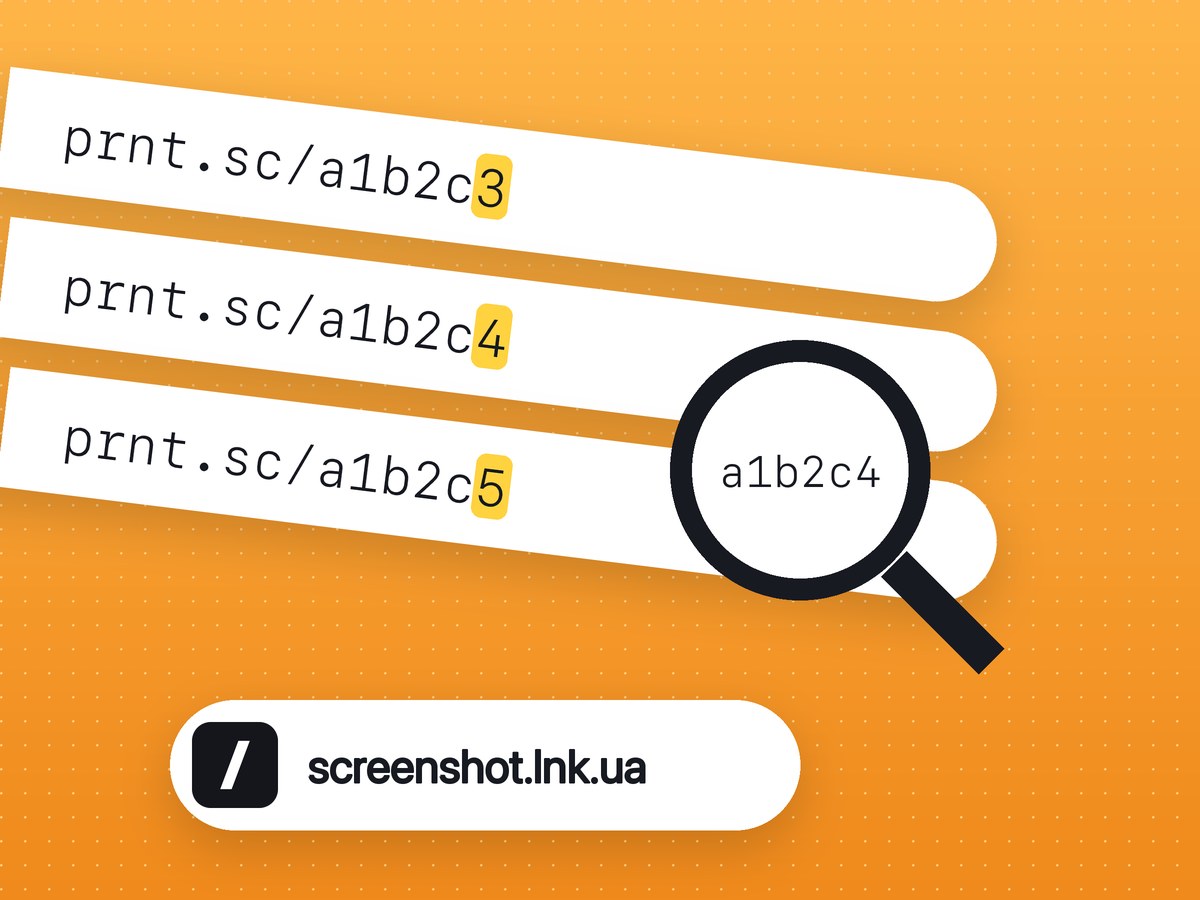
Lightshot is fast and needs no account, which is why so many people use it. The price is in its share links: prnt.sc/ followed by a handful of letters and digits.
How the links get found
A short address has few possible values. A script can request them one after another, keep every one that returns an image and move on. Such "prnt.sc parsers" are easy to find, and in 2021 AIN.UA quoted a user who saw other people's images after changing a single letter in the address. Nobody has to know your link. It is enough that it exists among the possible ones.
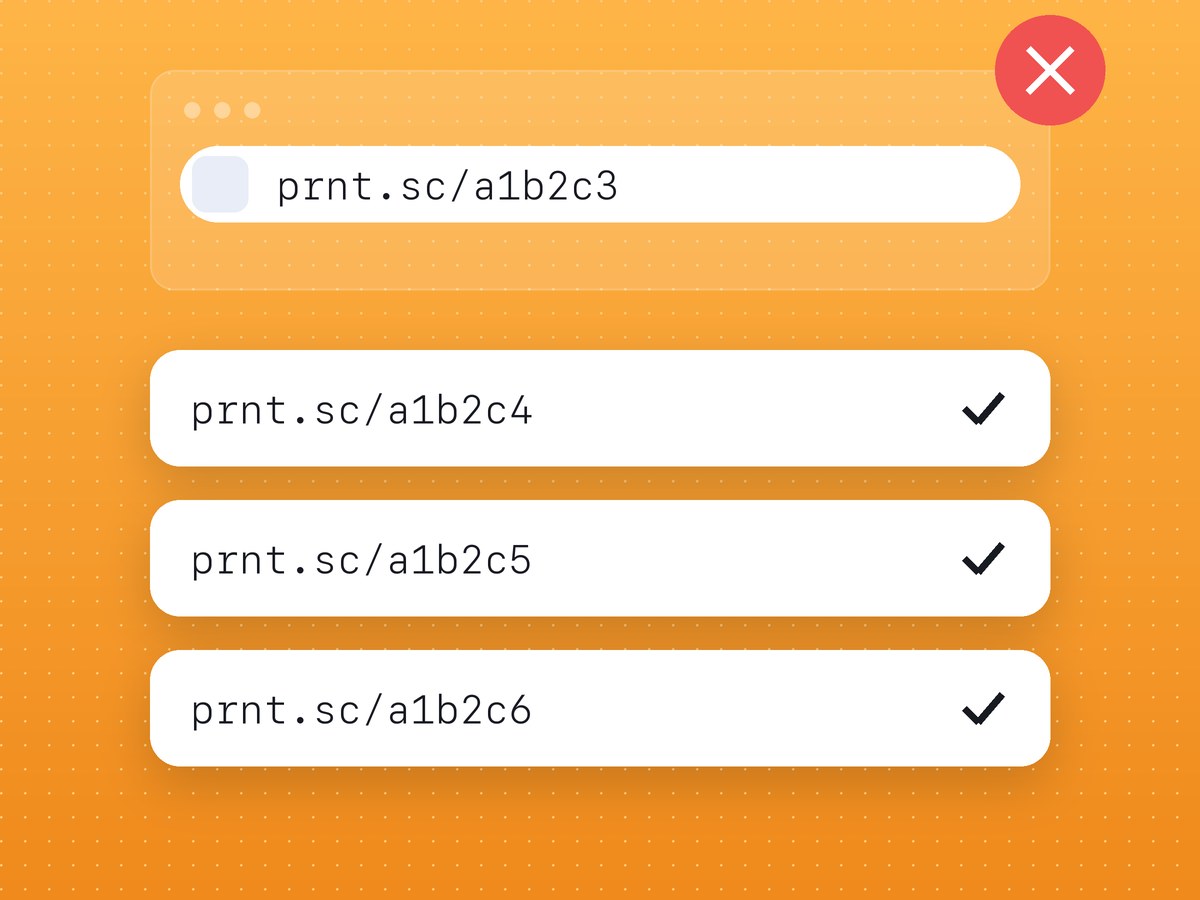
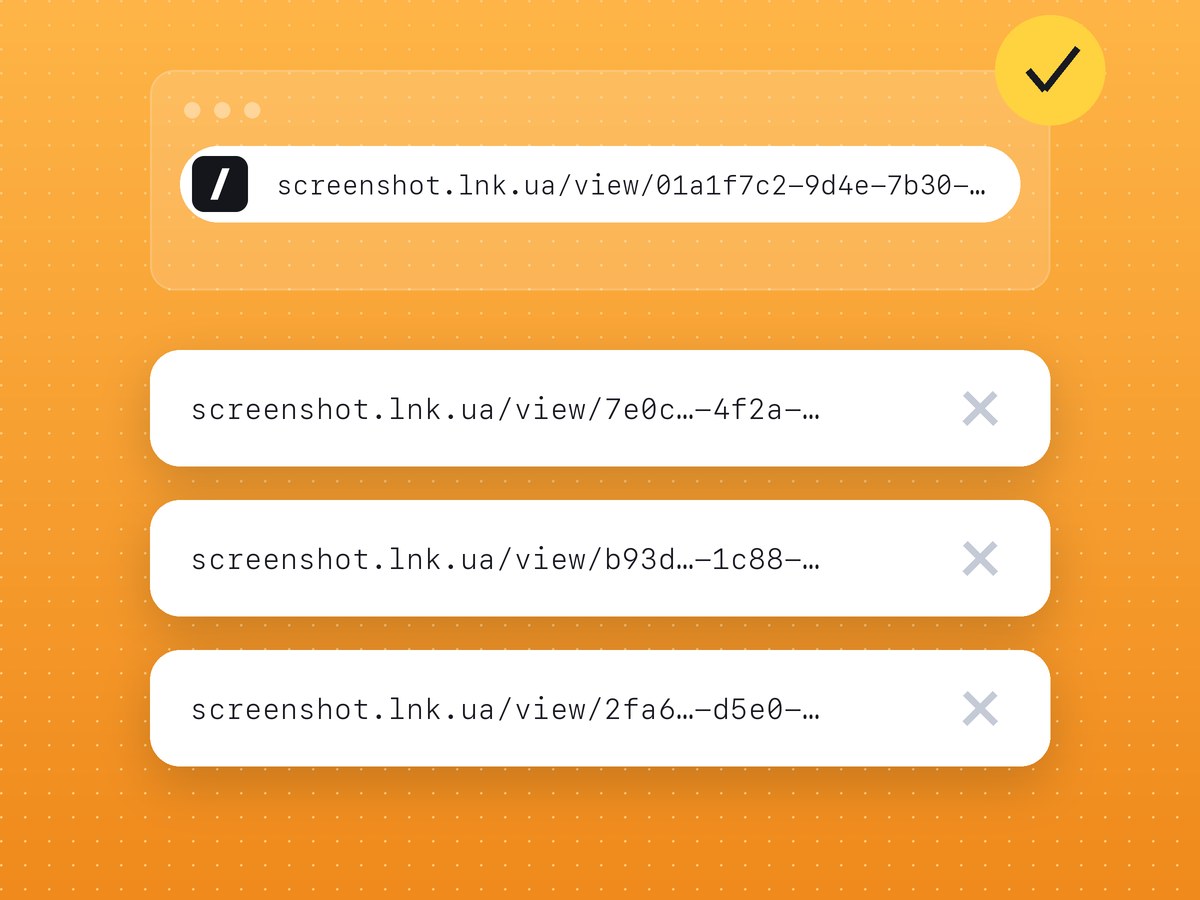
That is the whole mechanism. It is not a hack of Lightshot and not a leak of a database: the link is public, and its address is short.
What is exposed and what is not
Exposed are the screenshots you uploaded to get a link, with the cloud button or "Upload to prnt.sc". Screenshots you only saved to a file or copied to the clipboard are not: Lightshot does not upload them by itself.
Users who uploaded without an account report that they cannot delete those images afterwards.
If you uploaded something sensitive
- Treat the information as seen. Change the password, reissue the card, revoke the token.
- If you had an account at the time, delete the image from your Lightshot history.
- If you did not, write to the service's support with the link and ask for removal.
How to share a screenshot without that risk
- Look for a long random address. Nobody should be able to guess a link by walking through its neighbours, so check what a service's links look like before you trust it.
- Upload only on purpose. Saving and copying should send nothing to the internet.
- Pick a service where an uploaded capture can be deleted.
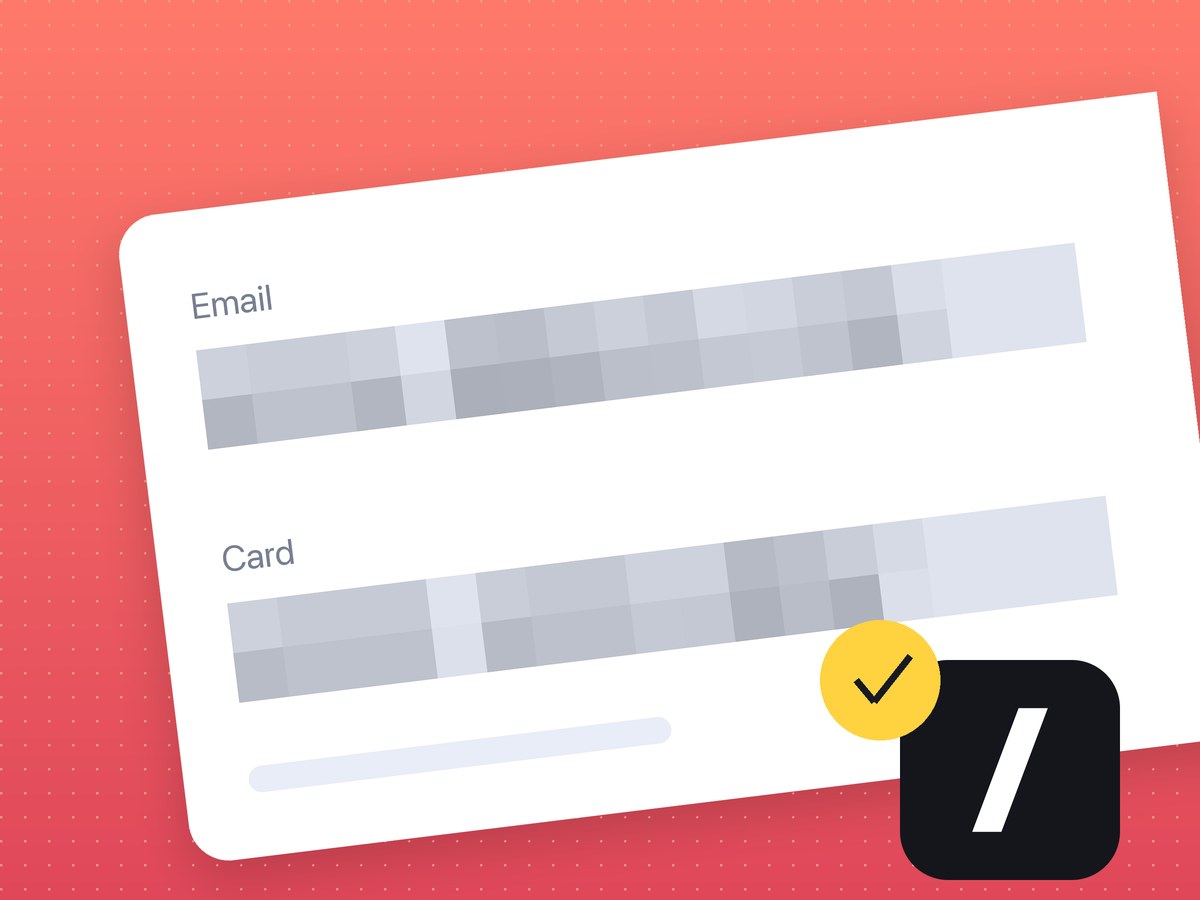
- Hide data before the upload, not after: see our note on hiding data on screenshots.
Our own tool works this way: the address has a long random part, nothing uploads until you press Upload, and captures uploaded while signed in can be deleted. The details are on the screenshot safety page, and the side-by-side comparison is on Lightshot alternative.
FAQ
Is Lightshot safe?
Capturing, saving and copying happen on your computer. An uploaded screenshot gets a short public link that can be found by trying addresses, so do not upload anything private.
Does Lightshot upload all my screenshots?
No, only the ones you upload yourself to get a link.
Can I delete a screenshot from prnt.sc?
From your history, if you were signed in when you uploaded it. Without an account users report that they cannot, so contact the service's support.